
Log Export
Directly export system log
Users can click the [Download] button in the "Home > Log" tab to export the log.
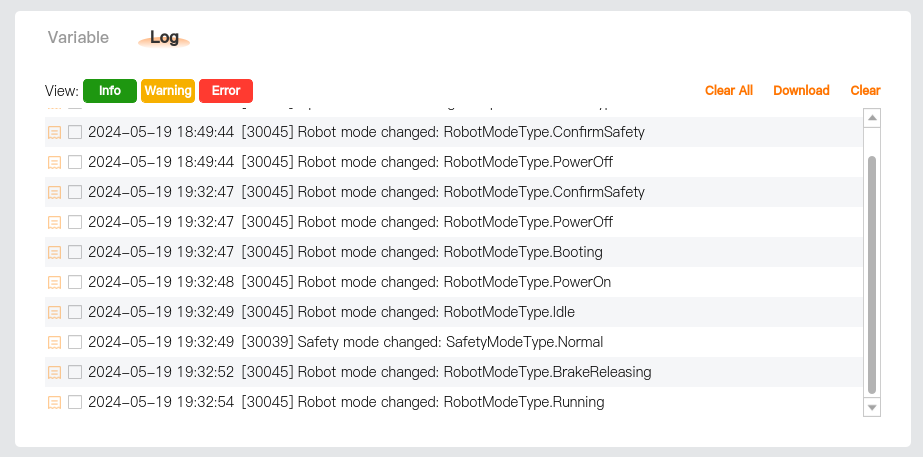
Local: Save to local.
UDisk: Save to an external USB flash drive. For this operation, it is required to insert a USB flash drive into the controller.
LANDrop: Transfer files through third-party software. For this operation, it is required to establish a connection with the third-party software. For details, please refer to Program and File Management - File Transfer.
Tip
- Please download the log after the program stops; otherwise, CPU overload may occur.
- If it is unable to select the storage path or click [Select] for downloading after [UDisk] is selected, please try to insert the U disk again.
- Keep the app running in the foreground when exporting the log through the client. Do not switch to background or lock screen or enable power-saving mode, as this may cause export failure.
Export log via log center
Please refer to Log Center - Download Event Report.