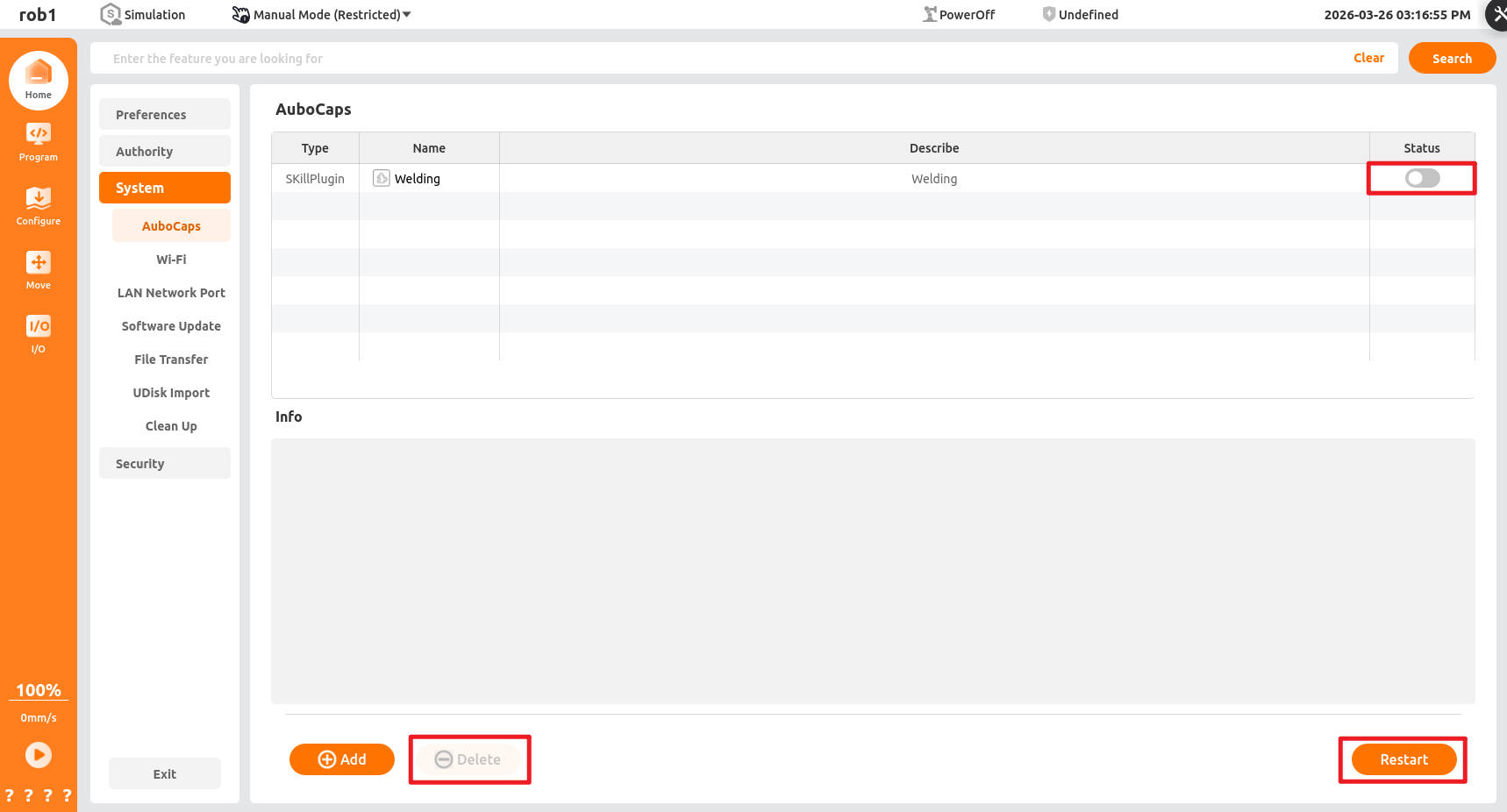
Plugin
AuboStudio allows third-party developers to extend software functionality according to their own needs, giving the software unlimited scalability.
Import plugin installation package
Users can import the plugin installation package into the AuboStudio workspace (path: /root/arcs_ws/extensions) using methods such as USB flash drive import and File Transfer.
Load plugin
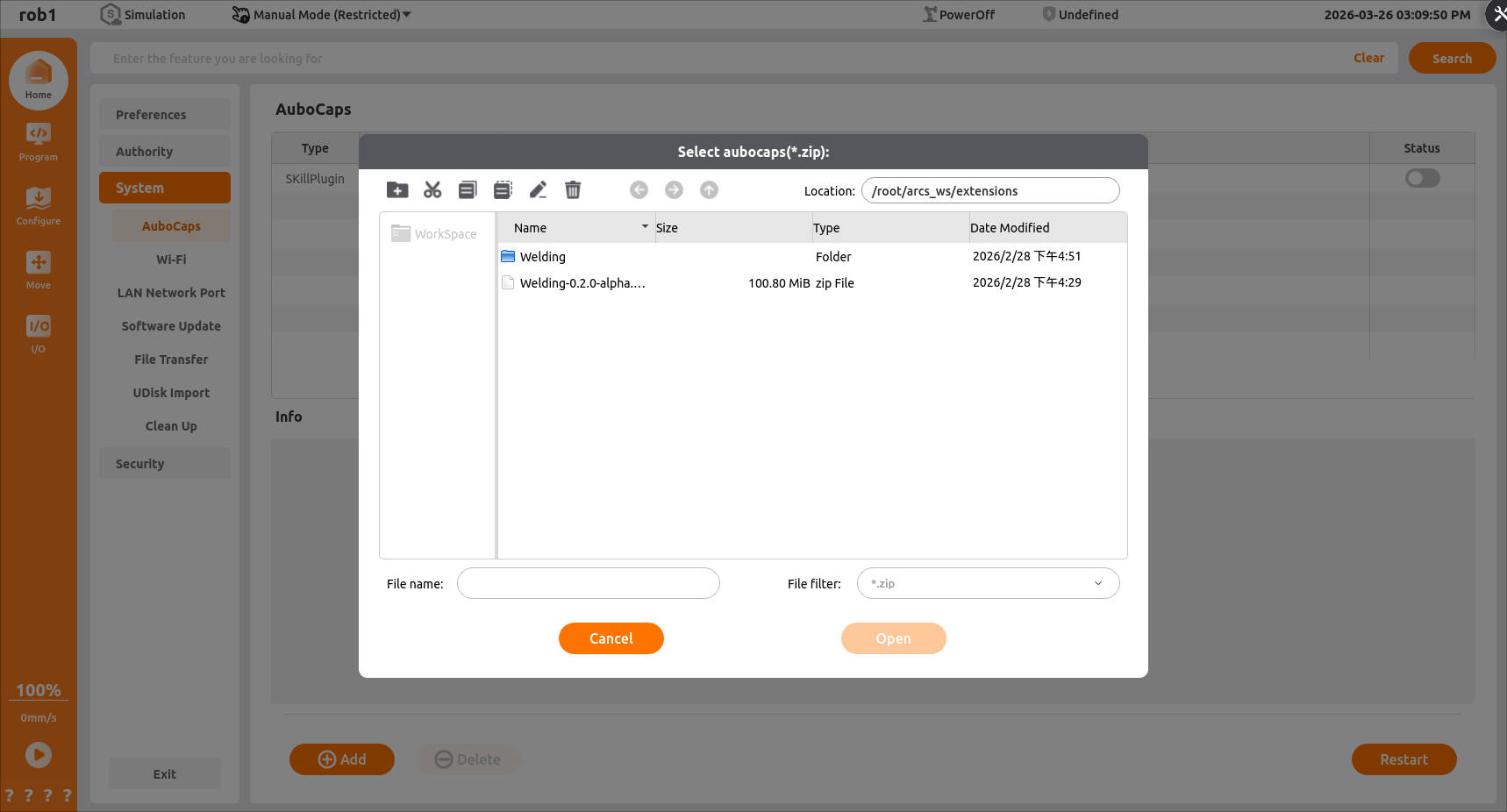
Open AuboStudio, click "Home > Settings > System > Plugin," click [Add], select the plugin installation package you want to install, and click [Open] to load the plugin.
After loading is complete, change plugin status to
 , and click the [Restart] button in the lower right corner to restart system, so the changes take effect.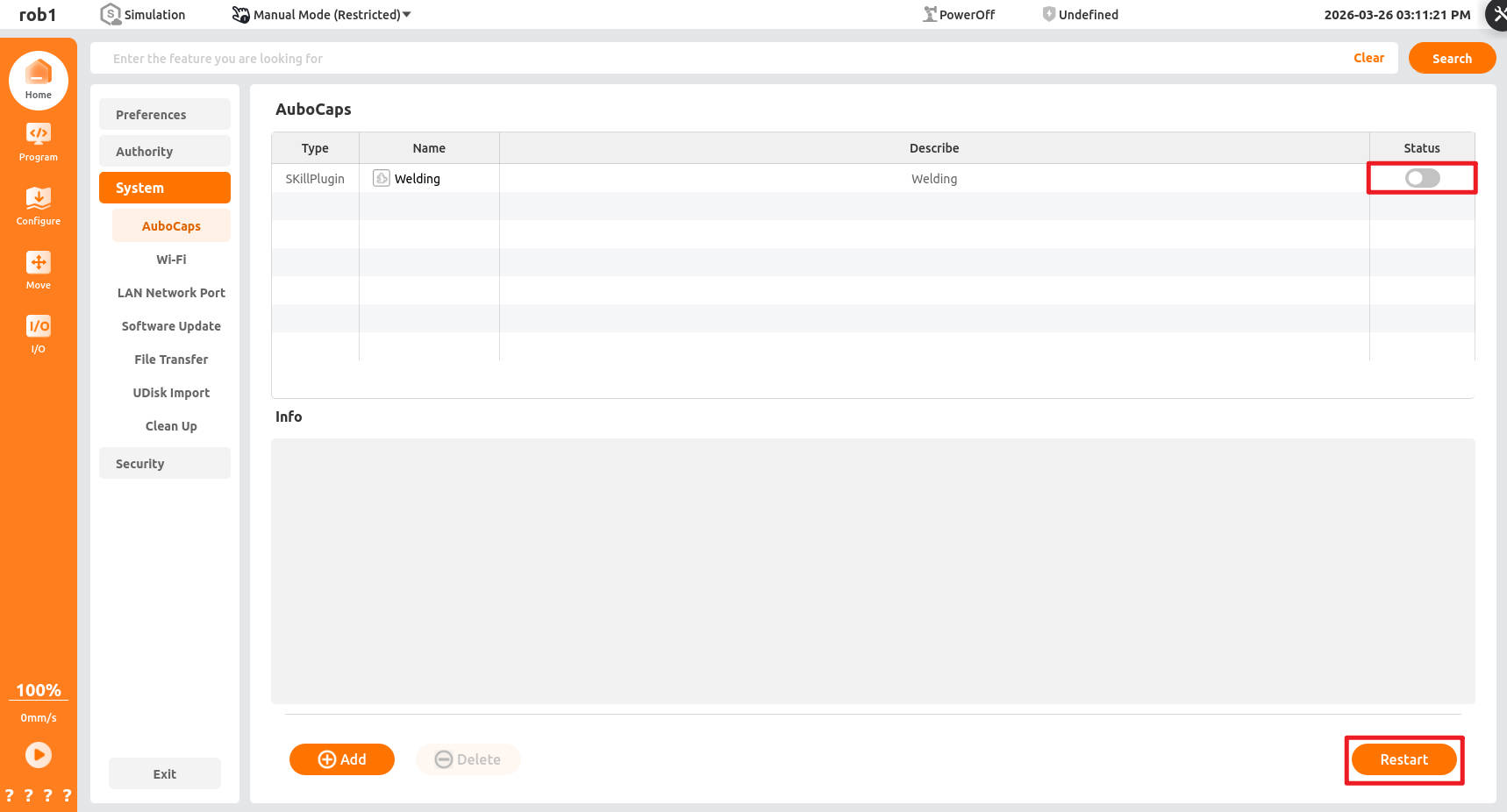
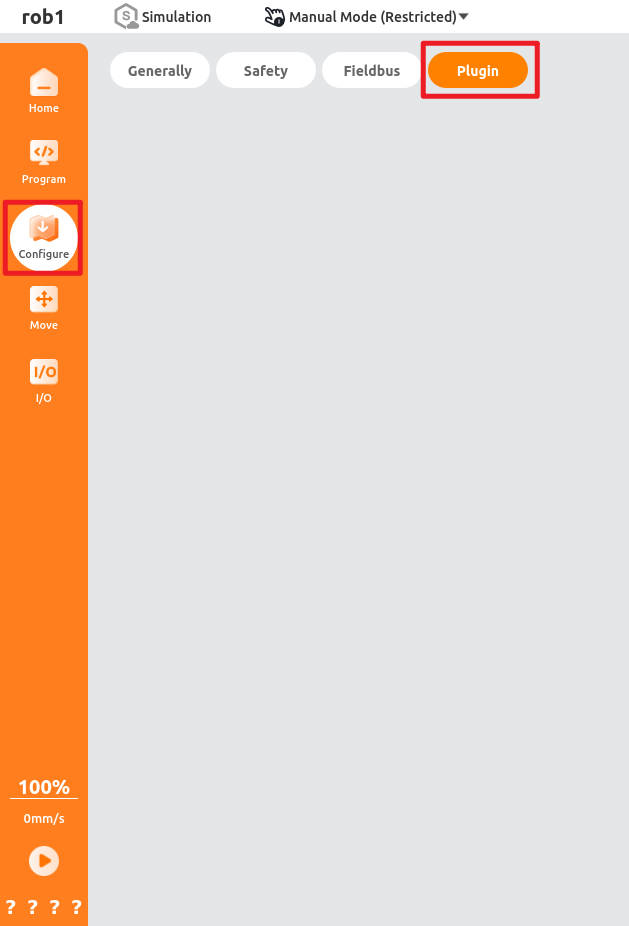
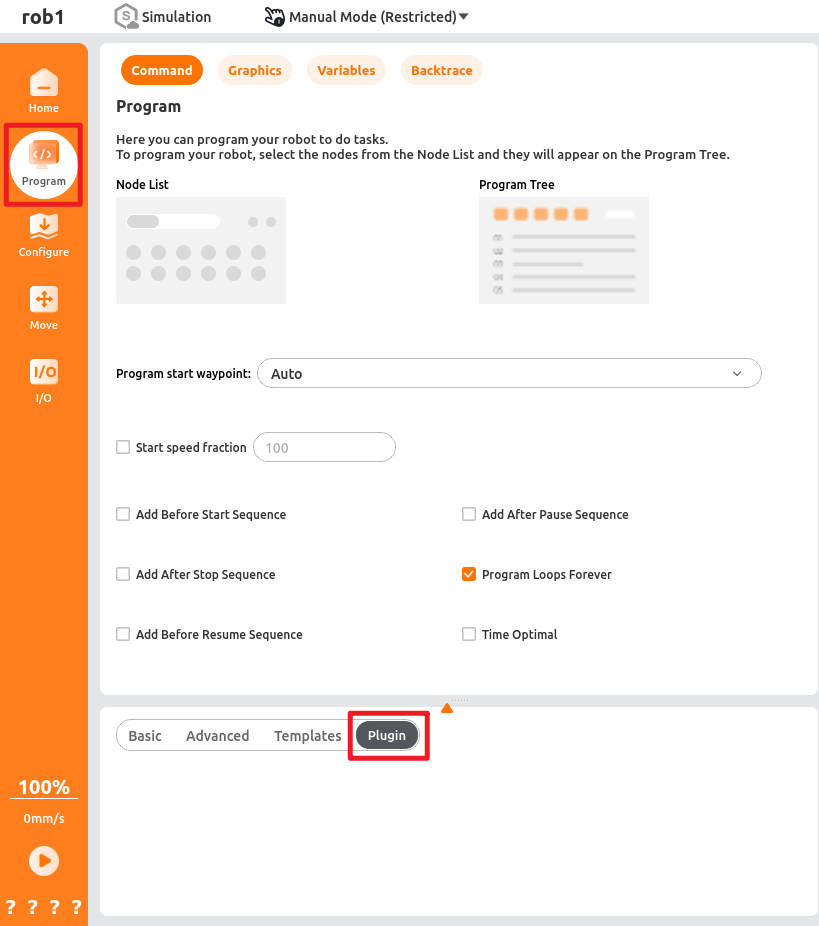
After the system restarts, click "Programming > Plugin" and "Configuration > Plugin" to view the program node and installation node of the plugin respectively.
Uninstall plugin
Open AuboStudio, click "Home > Settings > System > Plugin", select the plugin installation package you want to uninstall, and change its status to  disable plugin or click the [Delete] button to remove the plugin, and then click [Restart] in the lower right corner to restart the system, so the changes take effect.